 Hourfield
A clock made of clocks.
Every minute, a field of small clocks sweeps its hands into place and spells the time. Free, with no ads, and it never interrupts you.
Coming soon to the App Store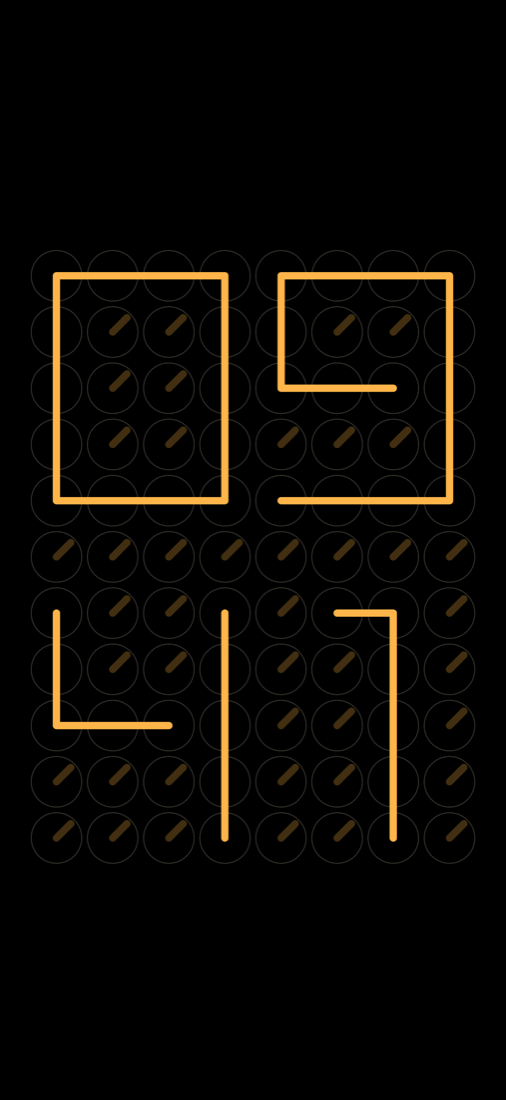
A clock should just be a clock
Most clock apps for the desk or the nightstand show ads, lock colours or the alarm behind a payment, and stop the timer to ask for a review.
And many of them go dark in the middle of the night, or stay painfully bright.
How it works
- Open HourfieldThe time appears at once. No account, nothing to set up.
- Pick a lookClock of clocks, flip cards, Nixie tubes, analog, dot matrix or segments, in eight colours.
- Leave it onOn the desk while you work, or by the bed at night: it stays on and dims to amber.
Calm, all day and all night
Free. No ads. No interruptions.
Everything is included. No purchases, no review prompts in the middle of a timer.
Night mode
Amber digits on true black, no blue light, dimmed inside the app on a schedule. Your screen brightness is never touched.
Focus with real breaks
Focus, short break, long break. A notification at every change, and the time left on the Lock Screen.
Sounds for sleep and work
Rain, fire, wind, crickets and a plane cabin. Mix them and let a sleep timer fade them out.
Glass
The clock floats over a soft background and moves a little as you tilt your iPhone.
Widgets and StandBy
Every style on the Home Screen and in StandBy; a Lock Screen clock that can fill the whole row.
A real alarm
Rings with the phone locked or on silent (iOS 26 and later).
Siri and Control Center
“Start focus in Hourfield.”
Private
No account, no tracking. Nothing leaves your iPhone.
Free. Everything included.
No ads, no subscription, nothing to unlock.
If Hourfield keeps you company, you can say thanks — it's optional and unlocks nothing.
Questions
Is it really free? What's the catch?
No catch: no ads, no subscription, no tracking.
Will it drain my battery?
The clock only redraws while hands move and rests in between. For the night, keep the iPhone on the charger.
Does it change my screen brightness?
No. Night mode dims inside the app only.
Does the timer work with the phone locked?
Yes. Focus and breaks keep real time, and you get a notification at every change.
Which devices?
iPhone and iPad with iOS 17 or later. The alarm needs iOS 26 or later.
Which languages?
English and Russian, with one more language in every update.